
Find the right wave.
Swell height, period and direction, wind, tide and the type of break: everything that decides whether the wave breaks clean.
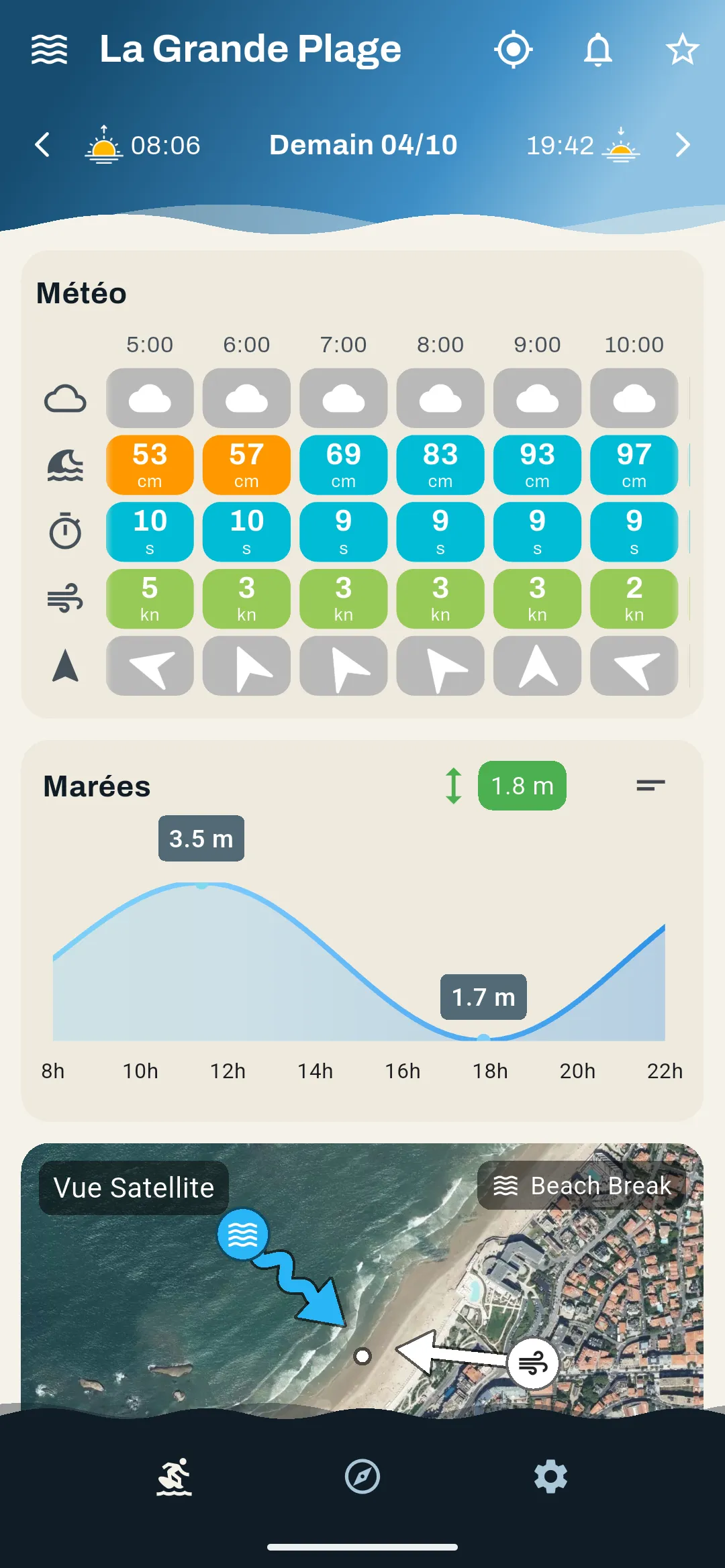
Color code
- Perfect
- Good
- Poor
- Very poor
Real screenshot of the app.
What SeeWave reads for you.
Hour by hour, from 5 am to 10 pm. On the spot's satellite view, a white arrow shows where the wind comes from, a blue one where the swell comes from.
- Swell height
- The size of the waves expected off the spot.
- Period
- The time between two waves: the longer it is, the more powerful and orderly the swell.
- Swell direction
- Each spot only works with certain swell directions.
- Wind
- Offshore, it grooms the wave; onshore, it messes it up.
- Tide
- Some spots only work at high tide, others at low tide.
- Type of break
- Beach, reef or point break: the seabed decides how the wave breaks.
- Water and wetsuit
- The water temperature, and the wetsuit that goes with it.
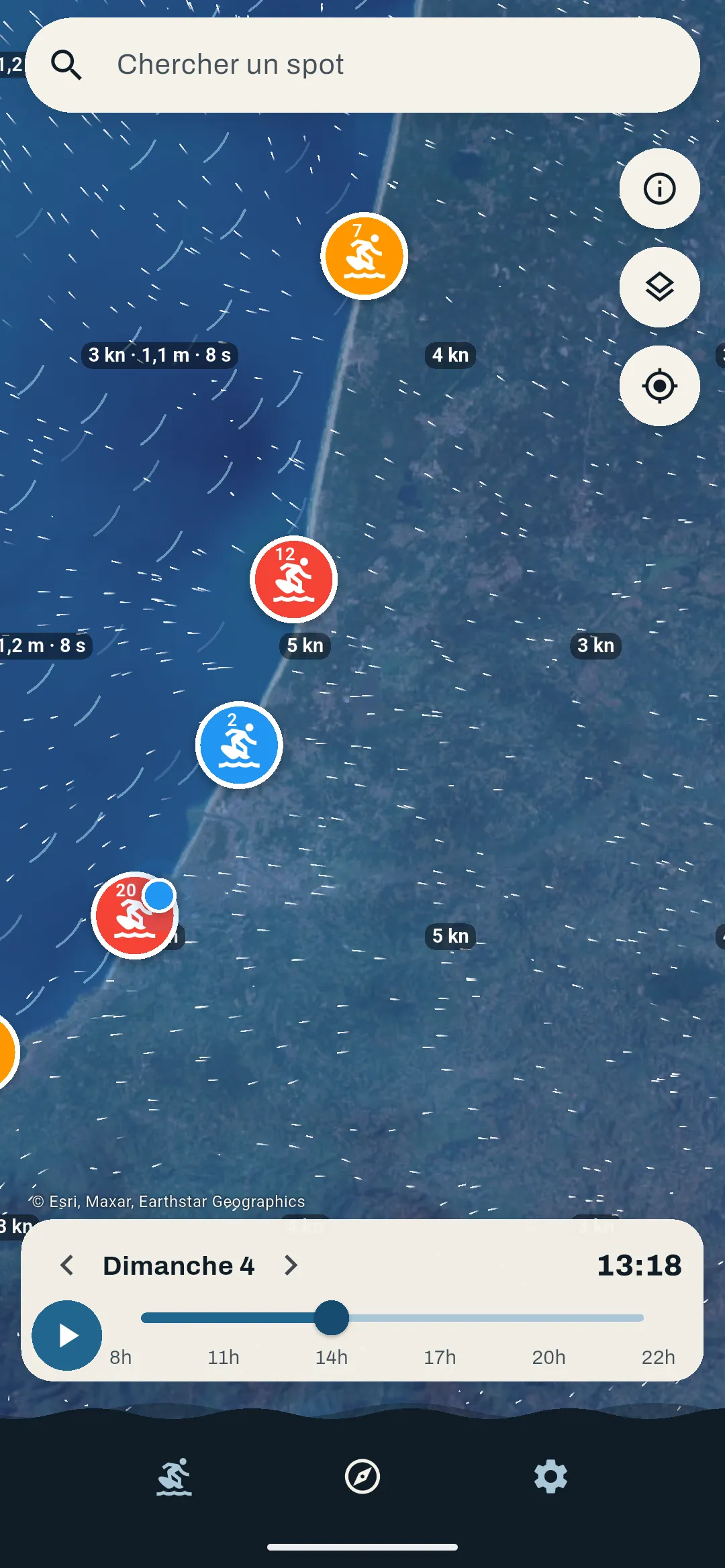
Your spots, on the map.
Thousands of spots worldwide on a satellite map. Filter it on surfing and only surf spots remain.
Your surf alert.
For each spot, you set your criteria: days of the week, wave height and period, water and air temperature. When the conditions are there on the spot, SeeWave sends you a notification.
- Days of the week
- Wave height
- Wave period
- Water temperature
- Air temperature
🌊 La Gravière — c'est l'heure !
vagues 1.4m, 12s, vent 8kts
The Android beta is open.
Join it now. During the beta, Premium and Pro are offered to testers so they can try every feature and tell us what to improve.
- You sign up with your Google account email, the one you use on Google Play.
- We add you to the testers list and email you the invitation link.
- You open the link on your Android phone and install SeeWave from Google Play.
Something feels off, a spot is missing? Write to us at contact@seewave.surf.